

Your schema is the editor
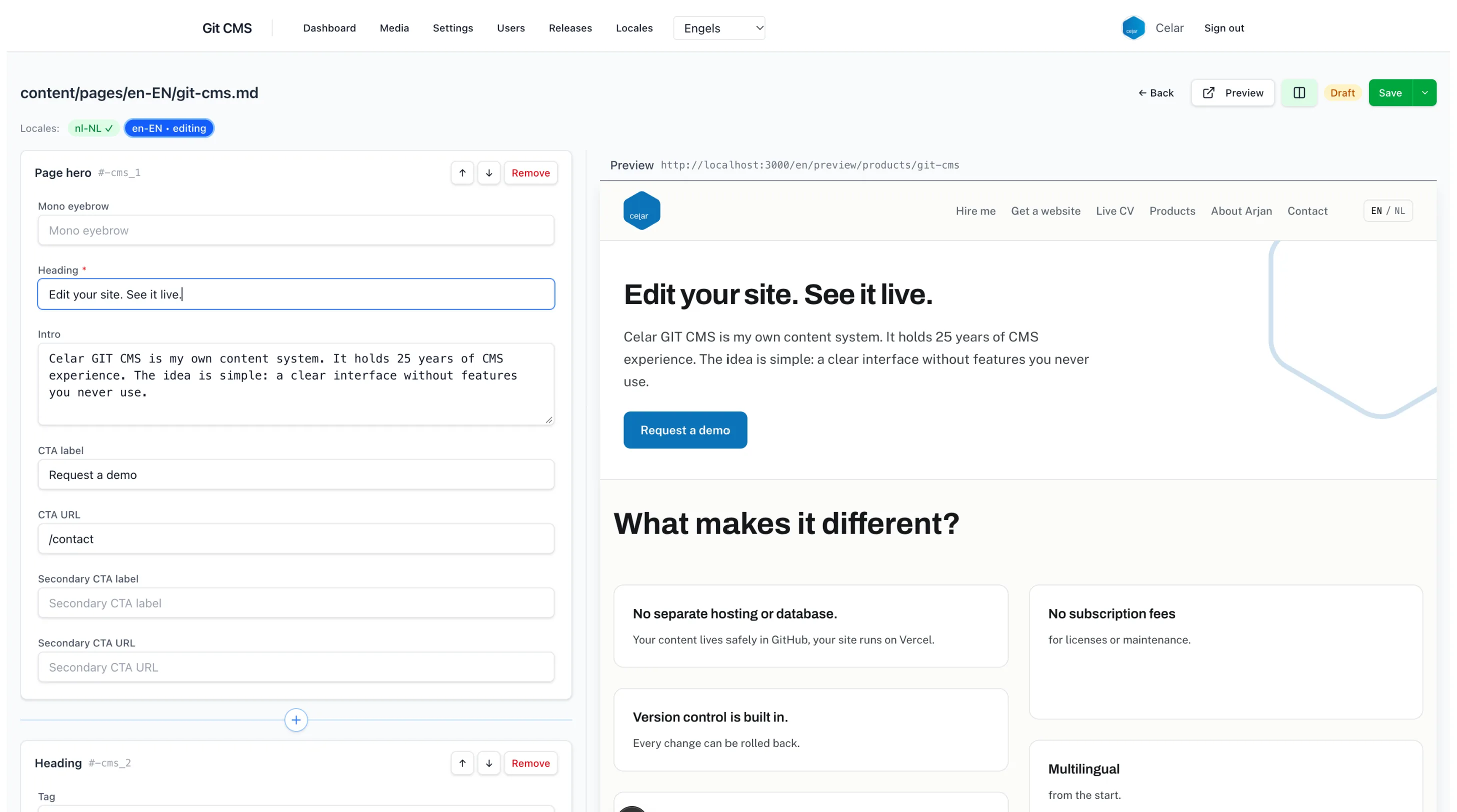
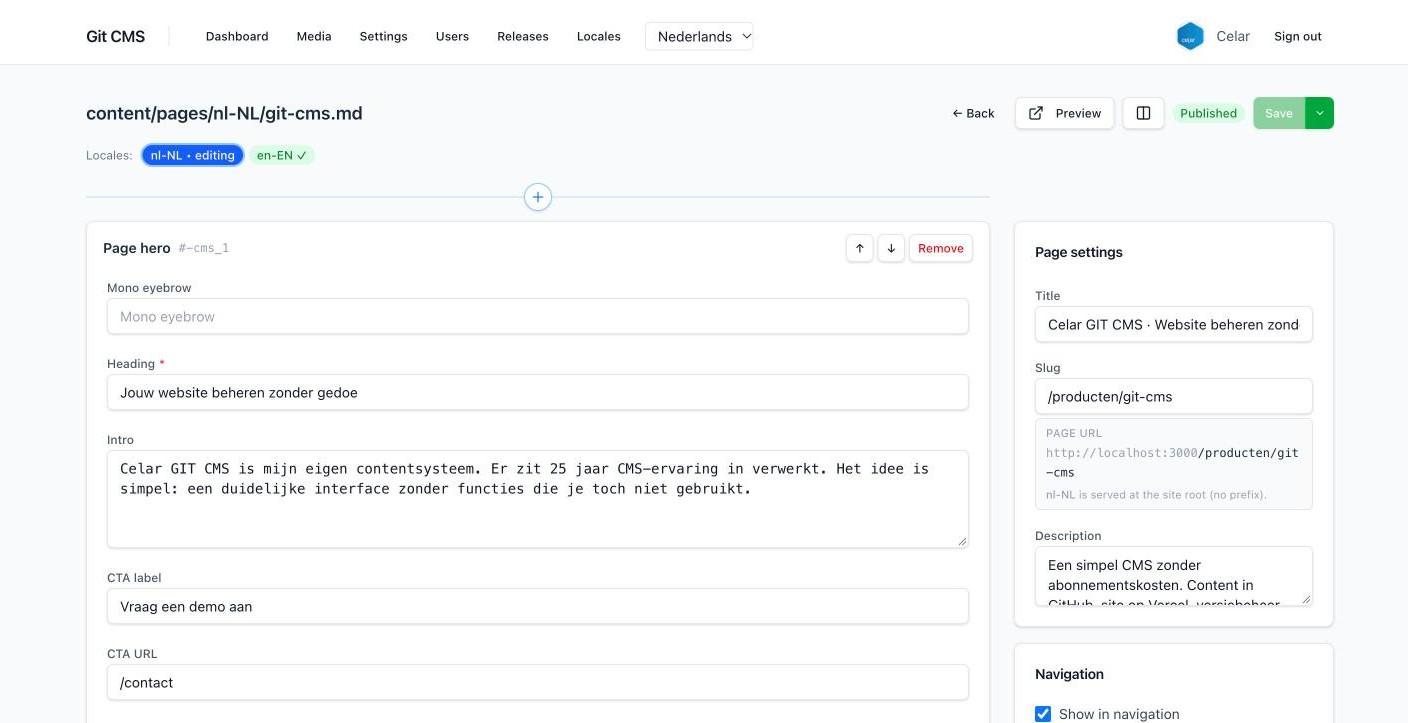
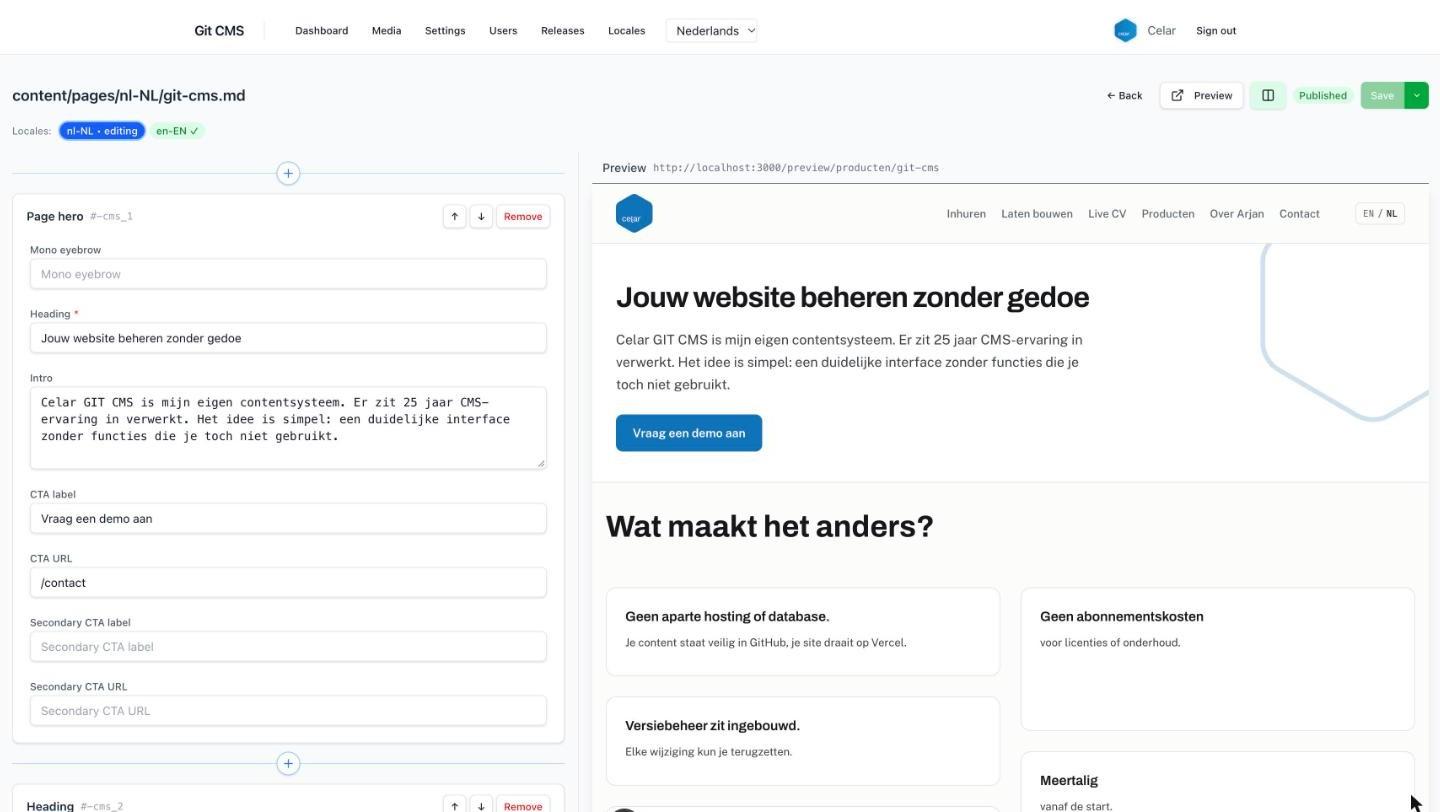
Describe blocks and fields in TypeScript. Editors see exactly those fields — no panels or options they can’t use.
A Git-based CMS for Next.js. Editors get only the fields your schema defines — and watch the change land on the real page.
30 days free · Runs on your own GitHub repo
{ type: 'pageHero', label: 'Page hero', fields: [t('eyebrow', 'Mono eyebrow'), t('heading', 'Heading', true), ta('intro', 'Intro'), t('ctaLabel', 'CTA label'), t('ctaUrl', 'CTA URL'), t('ctaSecondaryLabel', 'Secondary CTA label'), t('ctaSecondaryUrl', 'Secondary CTA URL')],}Three ideas carry git-cms.
Describe blocks and fields in TypeScript. Editors see exactly those fields — no panels or options they can’t use.
Content is Markdown in your GitHub repository. Nothing extra to host, secure, back up or migrate.
Every save is a commit. Full history, review and rollback come with GitHub — out of the box.
Compose your own blocks and fields. git-cms only stores the data — every site you connect renders it with its own components.
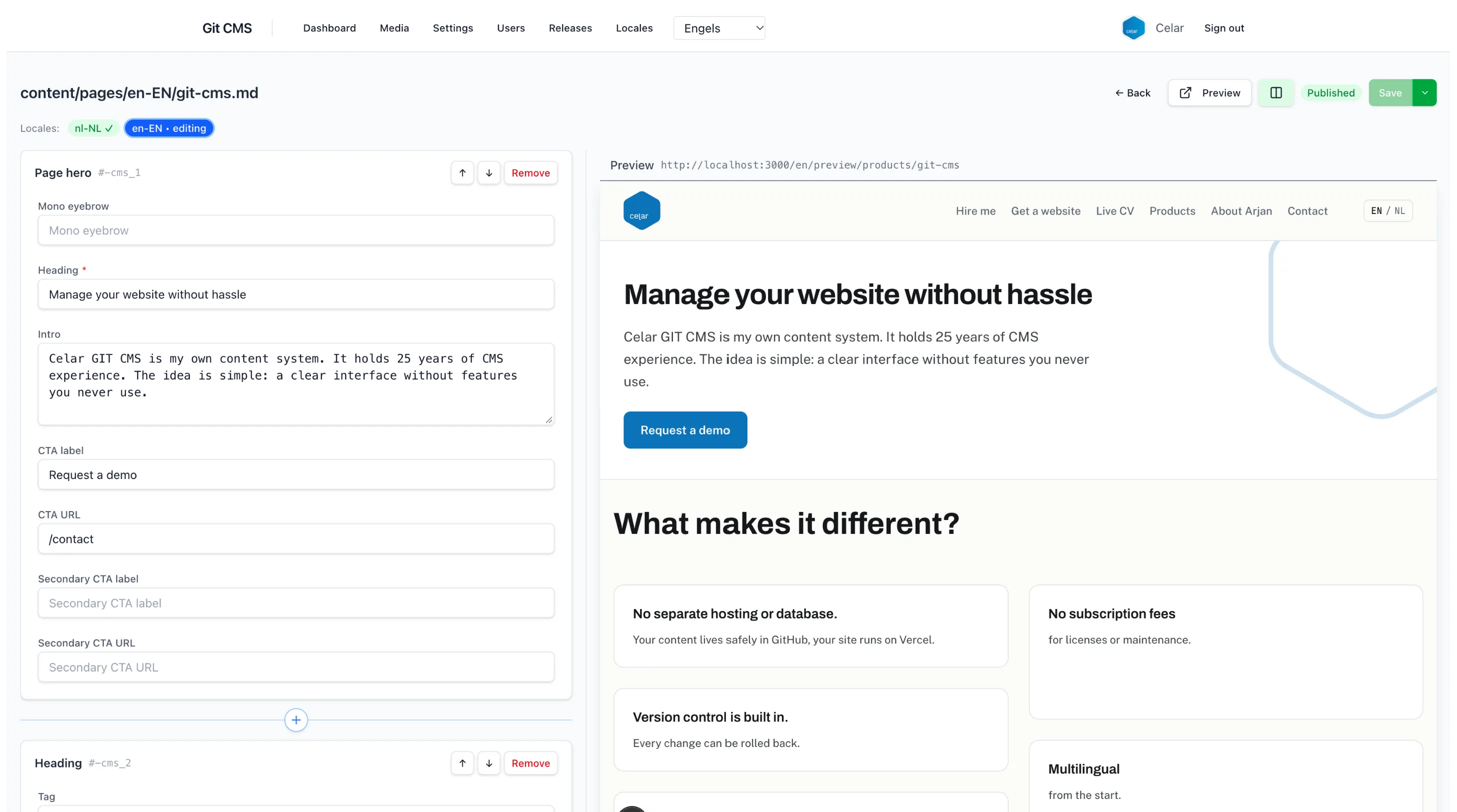
Open the live preview next to the editor and your real website updates on every keystroke — before anything is saved.
Preview runs on its own route, so public pages stay static and ship no preview code. It is optional: set GIT_CMS_PREVIEW_KEY and GIT_CMS_PUBLIC_URL to turn it on, leave them out to turn it off.
Add git-cms to your Next.js app.
npm install @celar/git-cmsDescribe each block and its fields once, in cms.config.ts.
{ type: 'card', label: 'Card', fields: [ t('title', 'Titel', true) ] }Editors sign in at /admin and only see the fields you defined.
git-cms has no database. Your content lives in a GitHub repository you already secure.
No database
No connection string, no SQL injection surface, nothing extra to patch.
Every change is a commit
Full history with author and timestamp. Roll back any edit.
GitHub sign-in & roles
Editors sign in with GitHub OAuth; admins decide who can do what.
Placeholder pricing — the model is not final yet.
Everything included, to try git-cms on a real site.
€030 days
For agencies running client sites on git-cms.
€—per site / month
Setup, custom blocks and hosting by Celar.
Custom
Start a free 30-day trial on your own repository.